System UI appearance is replaceable product presentation.
A theme owns chrome geometry, colors, controls, menus, taskbar treatment and theme-specific icons. App packages, System policy and host protocols remain unchanged.
Theme boundary
Theme changes preserve each application's client rectangle. Window outer geometry is reframed through the selected chrome metrics, including normal, maximized and restore geometry. Pointer hit testing, caret placement and compositor surface placement all consume the same active metrics.
Switching
Open Start → Settings and choose a theme. During development, Cmd + Shift + T toggles the active theme.
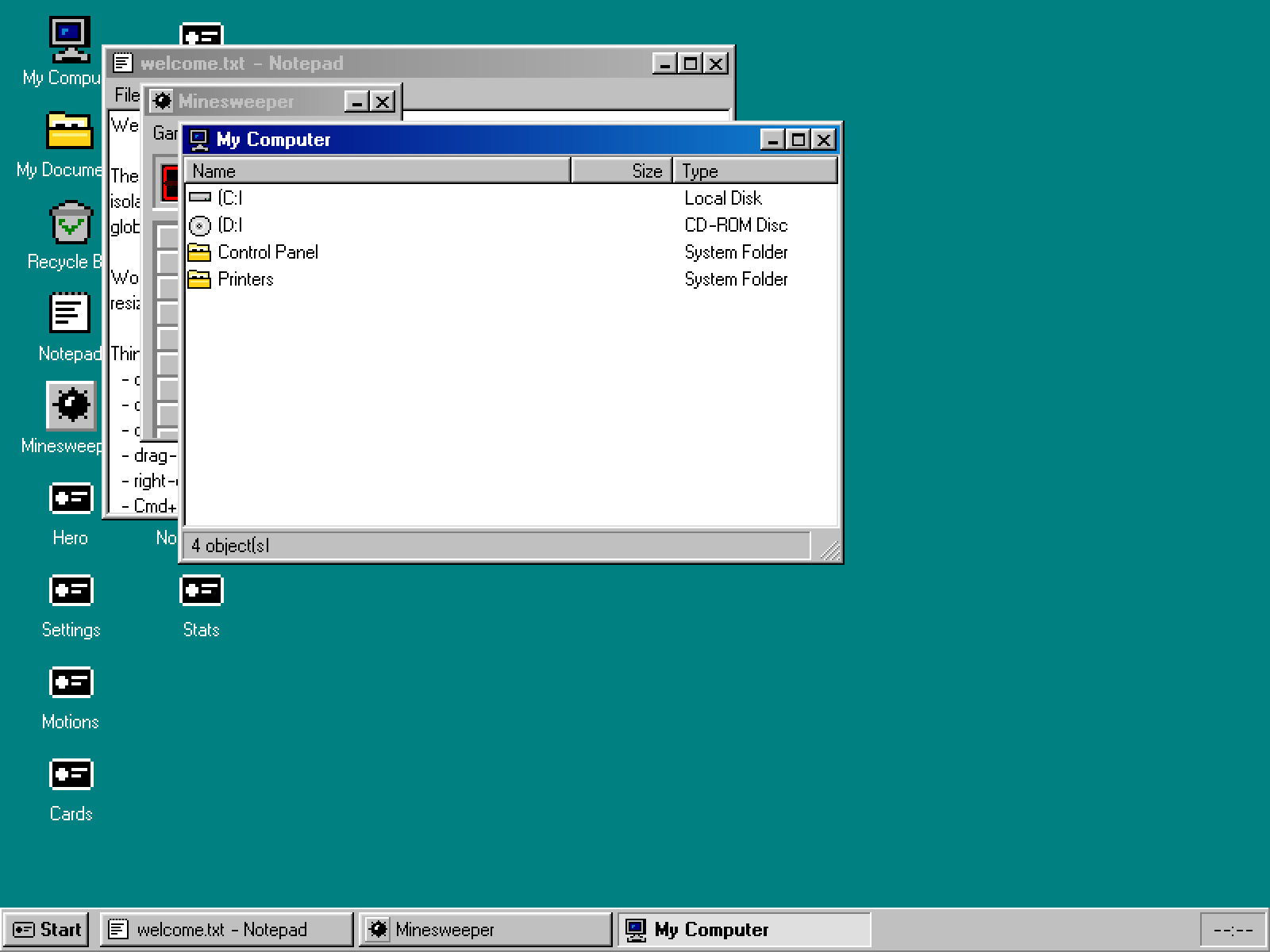
Classic 98. Hard bevels, compact 18px chrome and a 28px taskbar.
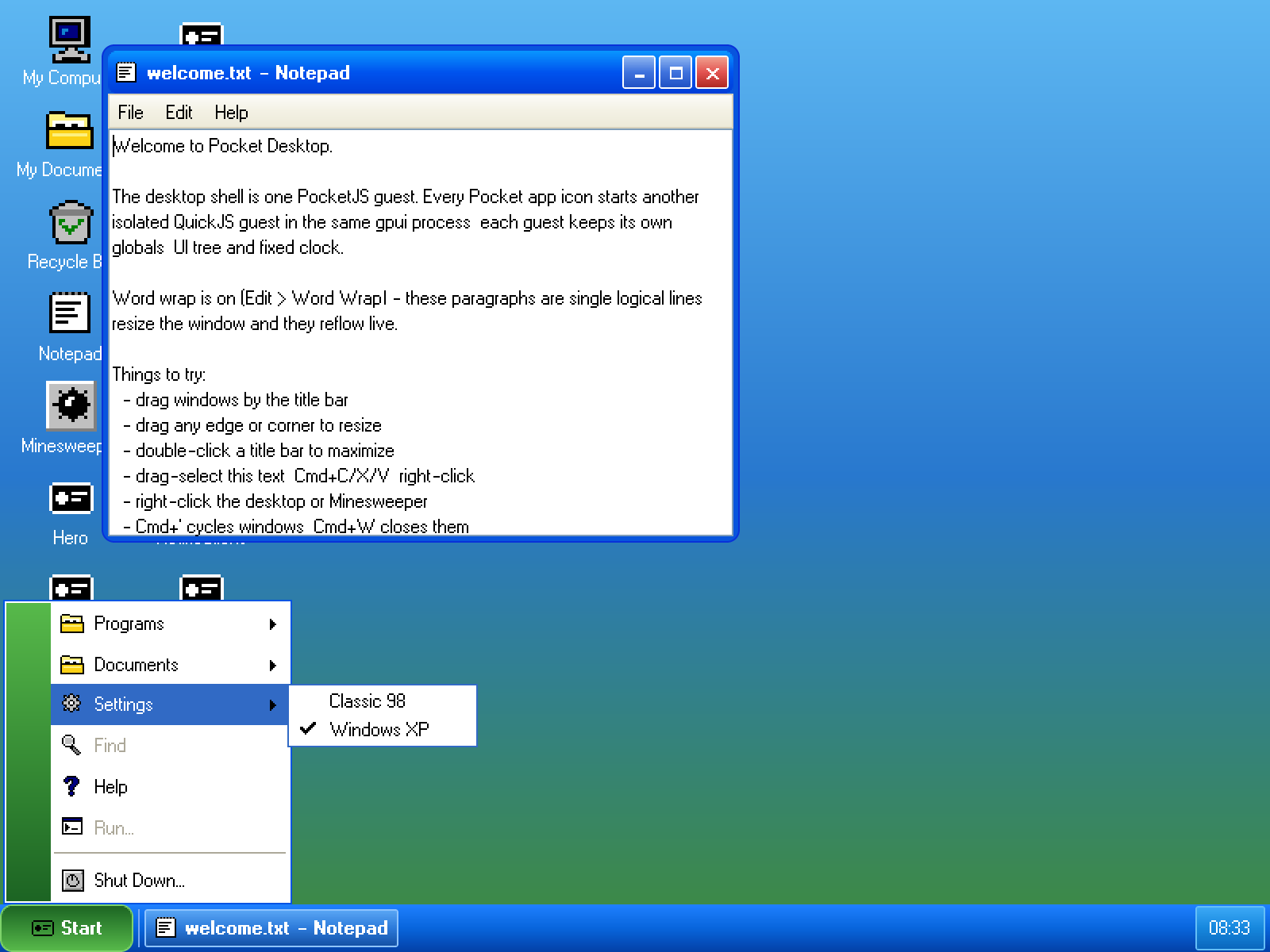
XP. Three-stop Luna gradients, 21px caption controls, shaped close button and a 30px taskbar.
Rendering contract
Both themes lower to PocketJS DrawList operations. XP's middle gradient stops use the framework's via-* utilities, which lower to existing gradient rectangles and triangles. No theme adds a backend opcode.